
我想知道 SwiftUI 到底是什么,而不是教程告诉我的那些。所以我从两个不可能串通的角度来探究它。我像探测任何黑箱一样,反复测量真实框架的行为直到它变得可预测;同时,我逐字阅读了苹果关于它的专利。发布的框架是信源,被授权的专利是苹果对自己机器的描述。当两者吻合时,你就不再只是猜测。
flowchart LR
  B["Real framework behavior"] --> M["One demand-driven graph"]
  P["Apple's granted patent"] --> M
And they agree, almost field for field. What they describe together is simpler and stranger than the usual story: not a view tree that gets diffed, but a single demand-driven graph. I will show you that graph, because it is genuinely elegant. Then, at the end, I will tell you why it is the part of Apple’s stack I find least interesting, and what I have been doing about that. First the engine.
A view is a value, not an object
When you write a SwiftUI view you are not creating a thing on screen. You are describing what the screen should look like, as a cheap struct that gets thrown away and rebuilt constantly. This trips people up because it feels wasteful. It is not. The struct is disposable on purpose. The part of your UI that actually persists lives somewhere else entirely.
That somewhere else is the attribute graph, and it is the whole game.
The attribute graph
Every view compiles into a graph of attributes. An attribute is one node with exactly two things: a cached value, and a rule that computes that value from its inputs. A view’s body is itself an attribute whose rule is “evaluate this body.”
The clever part is how edges form. When a rule runs and reads another attribute, an edge is recorded between them. Dependencies are never declared. They are discovered, by watching what each body actually reads while it runs. You get the dependency graph for free, just by evaluating.
Now the reactive behavior everyone loves, explained without magic. You change one piece of state. SwiftUI does not rebuild the world. It marks that single source attribute dirty and pushes the dirty flag forward along the edges, to exactly the attributes that depended on it and to nobody else. That set is the cone. Then, lazily, when the screen needs a value, it pulls. It walks down to the dirty inputs, recomputes only those, caches them, and bubbles the result back up. An attribute whose inputs did not change returns its cache and its rule never runs. That is why a screen with a thousand views re-runs the body of only the one that changed.
flowchart TD
  S["@State count, a source"] -->|dirty| L["Label.body"]
  L --> T["Text attribute"]
  S -.->|no edge, untouched| O["Other.body"]
The cone is the whole efficiency story. A naive rebuild touches every body in the interface, so its cost grows with the screen. The graph touches only the dirty node and what truly depends on it, so its cost tracks the change, not the size of the UI.
还有一个对性能至关重要的细节:如果某个重新计算的值与之前相同,传播就会在那里停止。一个没有变化的值永远不会打扰下游的任何东西,所以一个恰好产生相同结果的状态变化,几乎没有成本。
状态与标识
由于视图结构体是可丢弃的,你的 @State 不能存在于它内部。它存在于持久的存储中,由视图的标识来索引。标识是结构性的——取决于视图的类型和在树中的位置。显式的 id 并不会覆盖它,而是与之配合:改变标识符,视图在该位置就会获得一个新标识;但在其他地方复用同一个标识符,两者仍然不同。
这一个规则解释了很多令人困惑的行为。只要标识稳定,你的状态在每个结构体重建中都能存活。当标识因更改 .id 或移除再重新插入视图而改变时,旧状态就会被销毁,新状态以其默认值重新创建。这也是为什么 List 可以回收行而不会丢失状态的原因——状态跟随标识,而不是屏幕上的位置。重新排列数据,每行的状态会随其标识一同移动。
布局是一场协商
布局就是三步和一个规则。父节点向子节点提议一个尺寸,子节点选择自己的尺寸,然后父节点放置子节点。规则是:父节点从不强制子节点的尺寸。堆栈在子节点之间分配空间,优先给最不灵活的子节点其所需尺寸,再分享剩余空间。文本通过文本引擎测量自身,涉及字距和字体自身的行指标——这就是为什么一个标签恰好就是它需要的宽度。
flowchart TD
  P1["Parent proposes a size"] --> C1["Child chooses its own size"]
  C1 --> P2["Parent places the child"]
How it becomes pixels, and the part people get wrong
SwiftUI sits on Core Animation. Core Animation holds the layer state, position, opacity, transform, the properties the GPU composites and the render server interpolates. Core Graphics paints the content, text and shapes, into bitmaps that become a layer’s contents.
Here is the part most people get wrong. SwiftUI does not make one layer per view. UIKit does that, where every view is layer backed one to one. SwiftUI coalesces. A stack of ten text labels is usually a single layer with a single drawing, not eleven layers. A view earns its own layer only when it needs a layer level property, like opacity or a transform. This is a real reason SwiftUI is efficient. A long list is a handful of layers for the compositor to manage, not thousands. The tradeoff is that coalesced content has to be redrawn when it changes, while a dedicated layer can move without a redraw. For typical interfaces that trade is a clear win.
动画,美妙的部分
当你在 withAnimation 中改变一个值时,模型值会直接跳到目标值——它不会一步步爬过去。框架会复制这个目标值,然后向副本注入一个中间值,为当前瞬间插值。视图绘制的是这个副本。你的数据已经在最终值上了——只有呈现部分在运动中。
每个动画都是一条微小的记录:起始值、目标值、时序函数和开始时间。仅此而已。
flowchart TD
  R["Animation record"] --> A["from value"]
  R --> B["to value"]
  R --> C["animation function"]
  R --> D["start time"]
Time itself is just another input to the graph. Every frame a clock ticks, that tick dirties only the animated attributes, and they re-pull a fresh interpolated value through the same cone machinery as everything else. The interpolation works on a delta vector, the difference between from and to, scaled by the curve.
A spring is not a special case. It is a damped harmonic oscillator solved over time, which is exactly why it overshoots and then settles. And because the animation is committed once and the render server interpolates on its own clock, it keeps running smoothly even when your main thread is busy.
两行数学承载了全部运动。呈现值是起始值加上增量,经过曲线 $p(t)$ 缩放(从 0 到 1),所以数据处于目标位置,只有呈现部分在移动:
v(t) = v_from + (v_to - v_from) p(t)
弹簧动画是同样的机制,只是将曲线替换为阻尼谐波振荡器。从静止释放时,其进度曲线为:
p(t) = 1 - e^{-ζω₀t}[cos(ω_dt) + (ζω₀/ω_d) sin(ω_dt)]
它从 0 开始,越过 1,然后回落到 1。这个超过 1 的过冲,正是弹簧动画超越目标再回弹的原因。
专利怎么说
美国专利号 11,042,388 B2,2021 年 6 月 22 日授权,优先权日为 2018 年 6 月 3 日。发明人为 Jacob Xiao、Kyle Macomber、Joshua Shaffer 和 John Harper——正是 2006 年创造了 Core Animation 的那位 John Harper。

John Harper,图片来自他的 GitHub。
记住这个名字。没有 Steve Jobs 就不会有苹果这家公司。但没有 John Harper,就不会有 iPhone,以及在其之上生长起来的整个流畅、动画化、GPU 合成的王国——iOS、iPadOS、watchOS、tvOS 和 visionOS——至少不会是我们所知的这个样子。 是同一双手绘制了支撑这一切的引擎——从 2006 年的 Core Animation,到本文讨论的这张图。SwiftUI 只是这栋房子里最新的一间,而地基是他浇灌的。他是苹果的 John Carmack,是它的 Linus Torvalds:一位每天有十亿人接触其作品、却几乎无人知晓名字的工程师。 这是一种遗憾,而纠正它——以我自己的微小方式——是我写这一切的部分原因。
flowchart LR
  I["输入,0 到 n 个"] --> F["函数"]
  F --> O["缓存输出,持久的"]
  O -.->|重新运行| F
如上图所示,专利用直白的语言描述了属性图。它支持零到 n 个输入,对输入应用函数计算输出,将输出存储在持久内存结构中,每当任何输入变化,函数就会重新运行。受影响的属性设置脏位,树从底向上遍历,脏属性发起更新。这正是行为所展示的——脏位和自底向上的拉取——现在有了苹果自己的表述。
专利同样明确了动画记录就是行为所暗示的那四个字段:起始值、目标值、动画函数、开始时间。
flowchart LR
  T["目标状态,你的数据"] --> Cp["副本"]
  Cp --> Inj["注入中间值"]
  Inj --> Rn["渲染副本"]
如上图所示,专利描述了该方法:生成目标状态的副本,并向副本中注入中间值用于渲染。这就是你可以在真实框架中观察到的模型与呈现分离。
这些都不是我从专利中取来的。行为和专利是两个独立的证人,它们指向同一台机器。当你能够观察到的框架和苹果被授权的专利描述了同一个结构时,这个结构就是真实的——是由问题本身决定的,而非个人品味的产物。
一张图,一个圆锥,惰性绘制
这就是全部了。一张单一的、按需驱动的图。状态沿环境向下流动,偏好从子节点向上流向父节点,时间只是另一个输入,图只重新计算真正变化的部分,然后将合并后的图层树交给 Core Animation 来合成。剥离语法之后,SwiftUI 就是一张图、一个圆锥、惰性绘制。
而这里是我只会稍加暗示的部分:这从来就不只是关于 SwiftUI 的。它始于 Core Animation,因为我想理解它,而我唯一相信的理解方式是——从零重新构建它。 但离开了它之下的绘制层,你无法理解 Core Animation,所以那成了下一步。
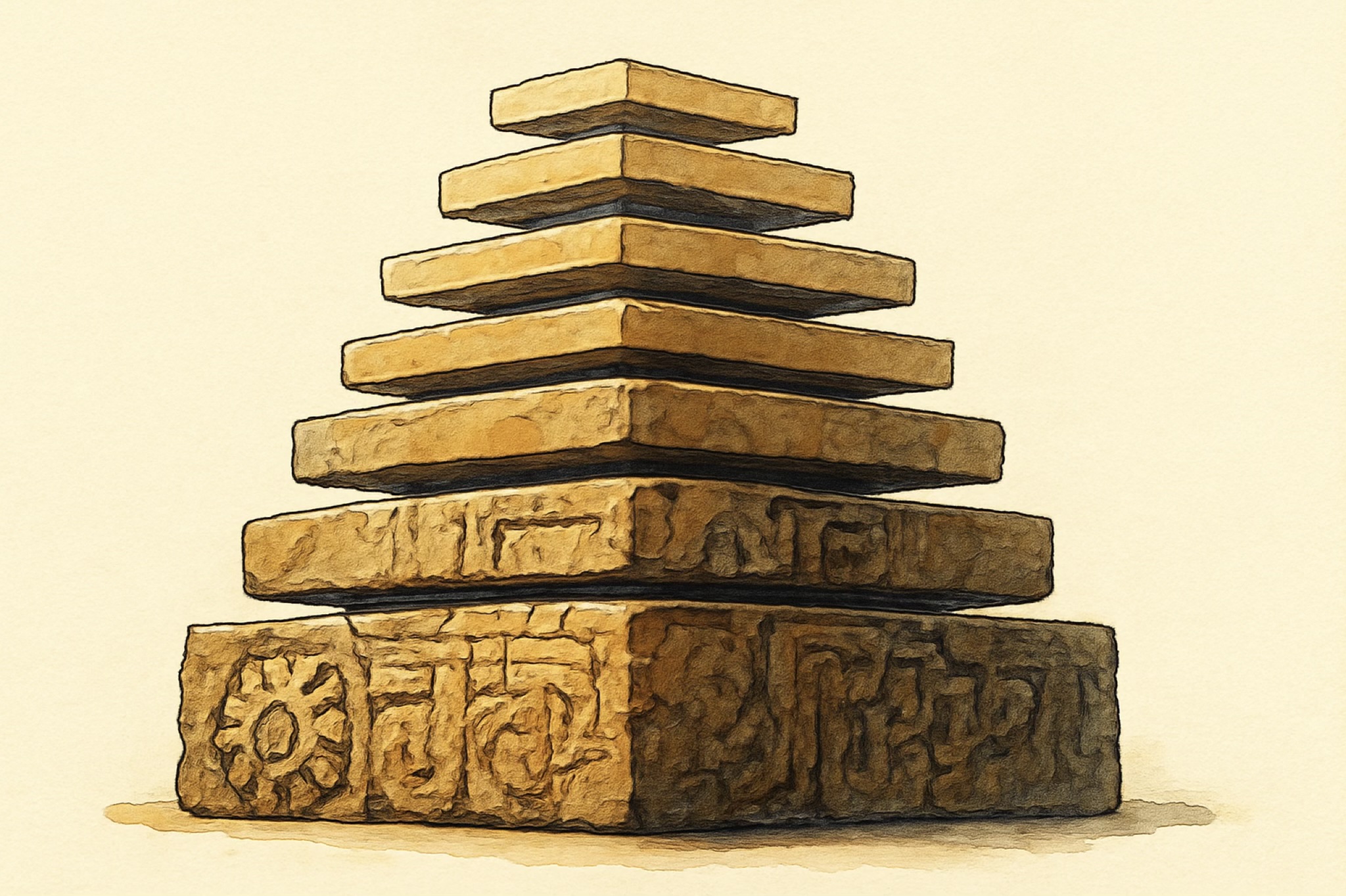
文本图层把你拉入排版,转场把你拉入图像处理。每一层引擎都要求它下面的一层,直到整个技术栈独立站立,SwiftUI 几乎是作为事后附加的想法落在顶层的。这些都不会发布,也不是用来分享的。它们是属于我自己的东西——通过重建来理解机器的方式——它有一个名字:SlayerMotion。
flowchart TD
  SUI["SwiftUI,一张图"] --> CA["Core Animation,合成器"]
  CA --> CG["Core Graphics,绘图"]
  CA --> CT["Core Text,排版"]
  CA --> CI["Core Image,特效"]
在这五个之中,SwiftUI 是我最不感兴趣的——差距很大。 它甚至不是为了成为平台的未来而诞生的:它最初只是为了让 watchOS 应用写起来不那么痛苦,直到它被创造出来后,苹果才看着它发现了自己手中的东西,然后把它带到了每一个平台上。它带着一个安静的承诺到来:你终于可以跳过这一切——下面的十几个框架——直接发布产品。
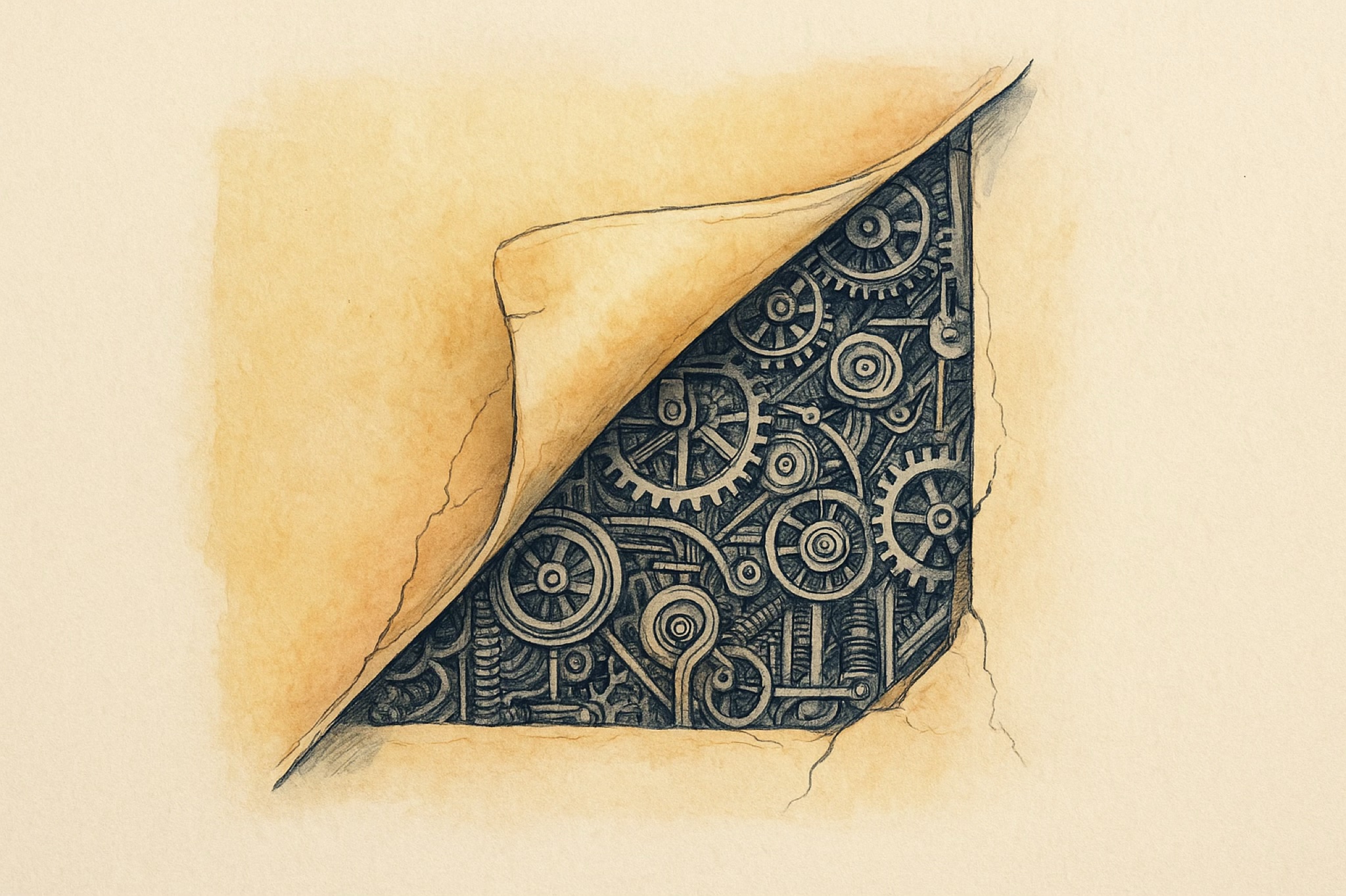
那个承诺是谎言。你确实可以发布,但你没有学习平台,你只学习了它的一个门面。当某天有什么东西泄漏出来——一个不听话的布局、一个卡顿的动画、一个测量出错的文本——你站在一个你从未真正认识的技术栈上。那些把 SwiftUI 当作绕过框架捷径的人并没有成为苹果开发者。他们成为了 SwiftUI 用户,这是两个截然不同的东西,后者远小于前者。
与下面的引擎相比,SwiftUI 其实真的没什么意思,甚至可以说乏味——一张薄而整洁的图,只做一件聪明的事然后就退到一边。最初震撼我的那个东西,至今仍然最震撼我,而且我怀疑永远都会是:Core Animation——一个在你应用忙于其他事务时,依然能用自己的时钟让动画流畅运行的合成器。绘图层、排版引擎、图像管线紧随其后。那里才是那些艰深、奇异、优美的问题所在,那也是这个系列真正要讲的东西。SwiftUI 只是通往这个故事最方便的那扇门罢了。